Surprise update for you!
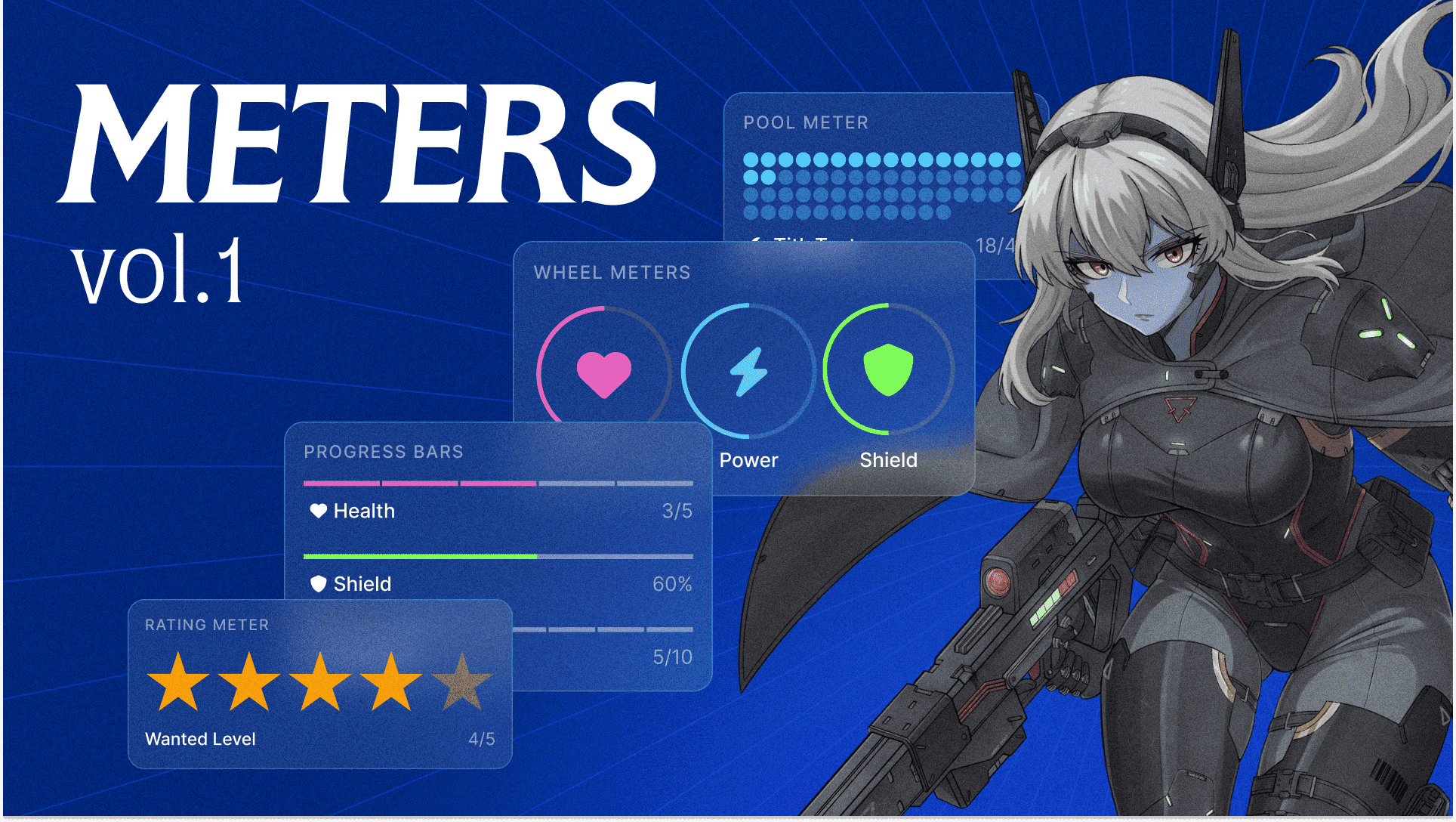
You can now track numbers on your LegendKeeper wiki pages and in your Block sidebar using LegendKeeper's new Meter Block: Health bars, ability scores, spell slots, mana pools; any kind of meter you can think of. We wanted number properties to feel as beautiful as text, so we've put a lot of thought into these.

Six ways to visualize your stats
You've got a few options:
- Bars - Your classic progress bar, segmented or smooth.
- Circle - Full circular gauges. Great for ability scores
- Gauges - Half-circle (180°) and three-quarter (270°) arcs for that dashboard vibe.
- Pools - Little dots that fill up. Perfect for spell slots, hit dice, sorcery points, etc.
- Ratings - Icon-based displays. Hearts for HP, skulls for corruption, stars for quality—pick whatever icon you like to customize it.
Everything is clickable
We wanted meters to feel good to use, not like fiddling with a spreadsheet. So:
- Click anywhere on the meter to set the value
- Click the number to type a new value (supports fractions like "5/10" or percentages like "75%")
- Click the title to rename it
- Click the icon to swap it out
Right-click gives you all the formatting options—colors, display modes, show/hide labels, max value, etc.
Group it
You can add multiple meters to a block, and they'll arrange themselves nicely. One meter centers itself, 2-3 sit in a row, and so on.
What's this for?
Stats, clocks, any kind of visually important number-tracking. Go have crunchy fun!